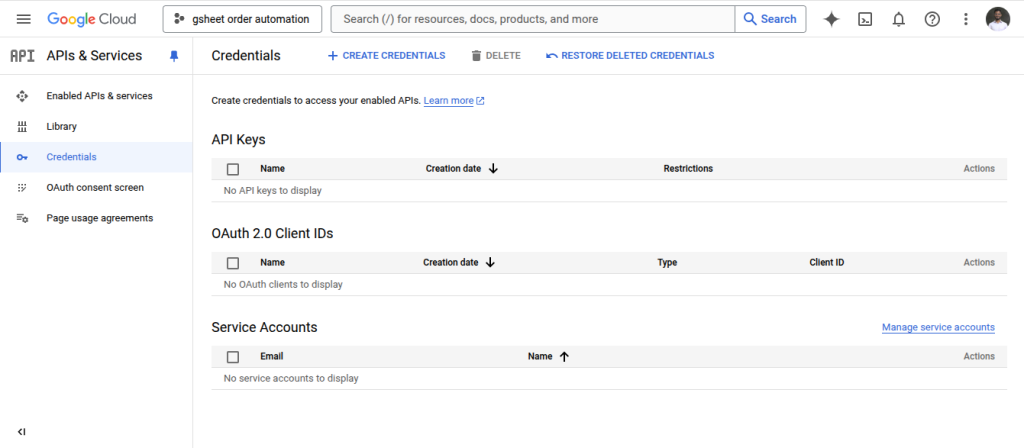
To streamline the process of managing your sales records in spreadsheet files, it is necessary to set up a Google project. Detailed instructions for the configuration are available on the plugin’s settings page, accessible via the WooCommerce settings tab.
For additional guidance, a video tutorial is provided to walk you through the setup process. Please refer to the instructions for complete details to ensure a smooth integration.
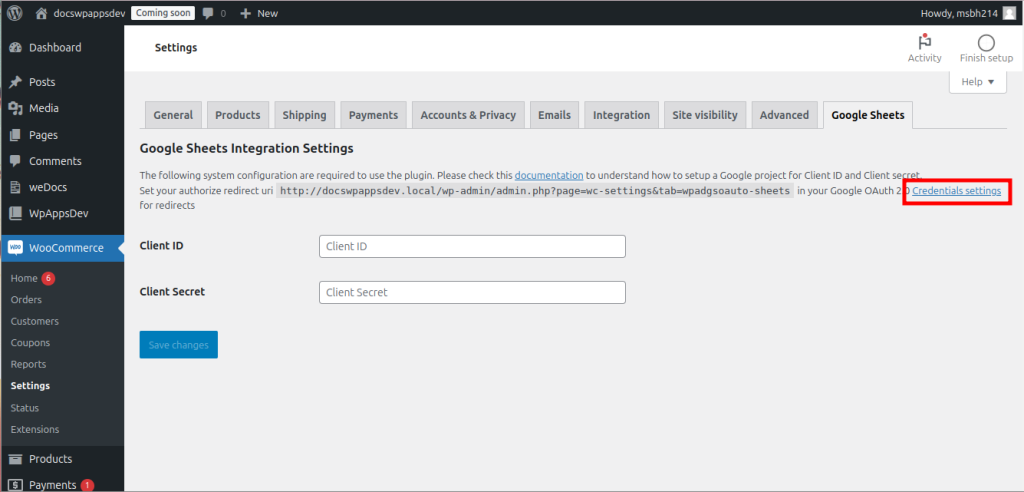
1. Open the plugin’s settings page and click the Credential Settings link.
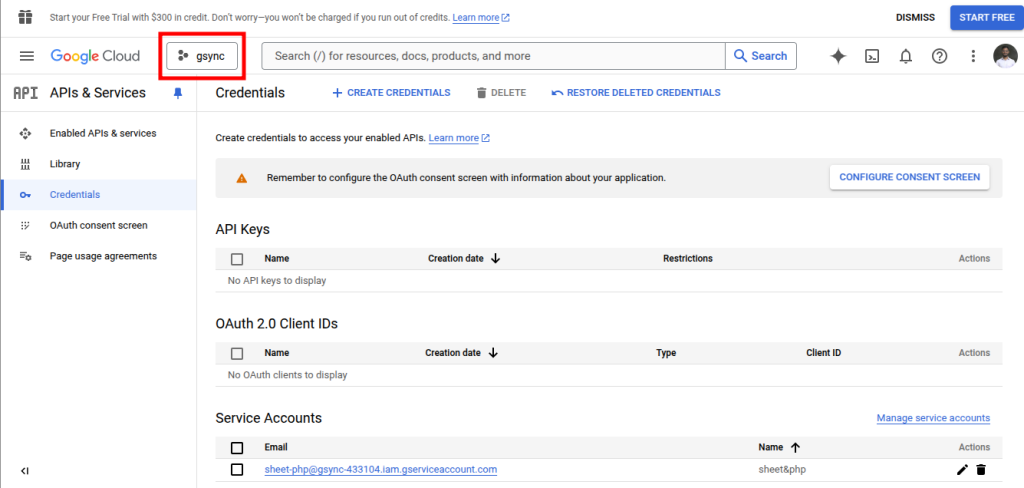
2. A page like below will open. If the marked button is clicked, then all available projects will be shown.
3. From there, we can create a new project or use an existing one. For now, a new one will be created.
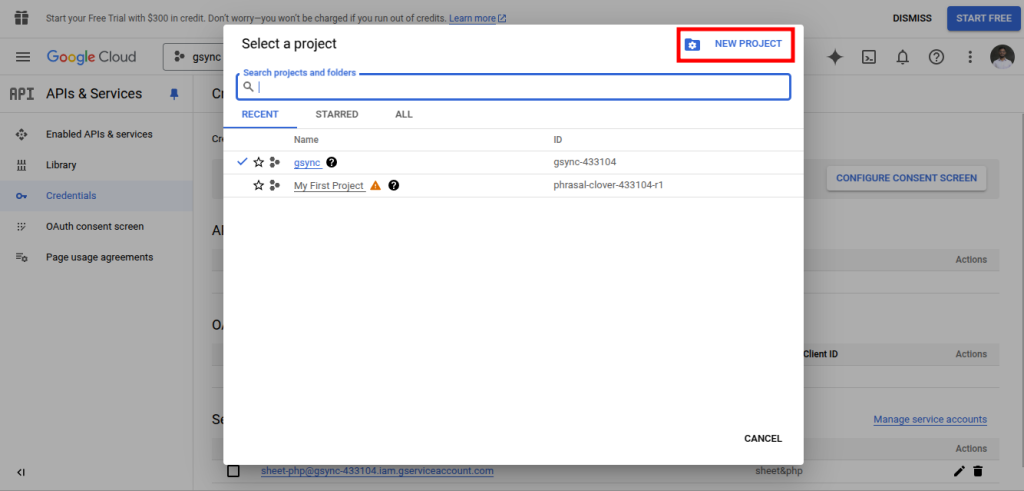
4. Clicking the button should open a page like this.
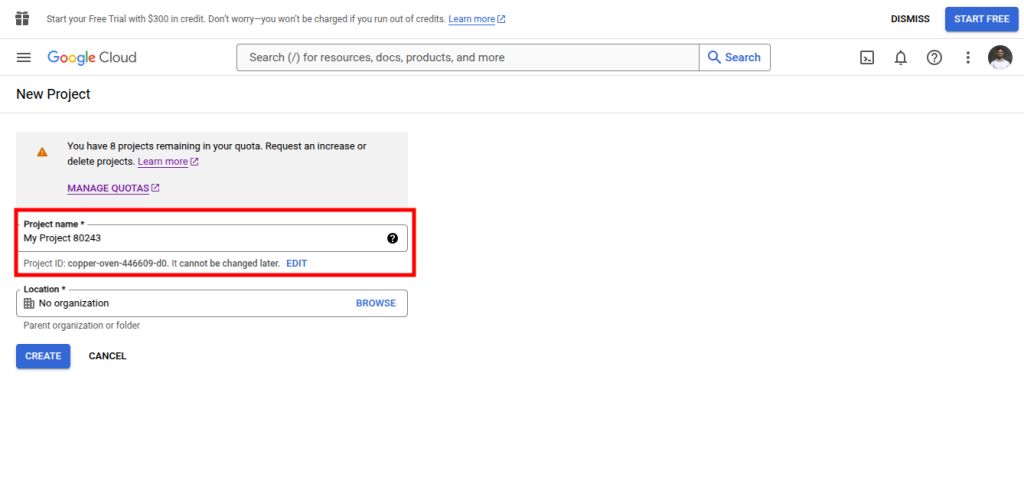
5. Enter the project name and optionally location here to create a new project. After that select your project from the dropdown.