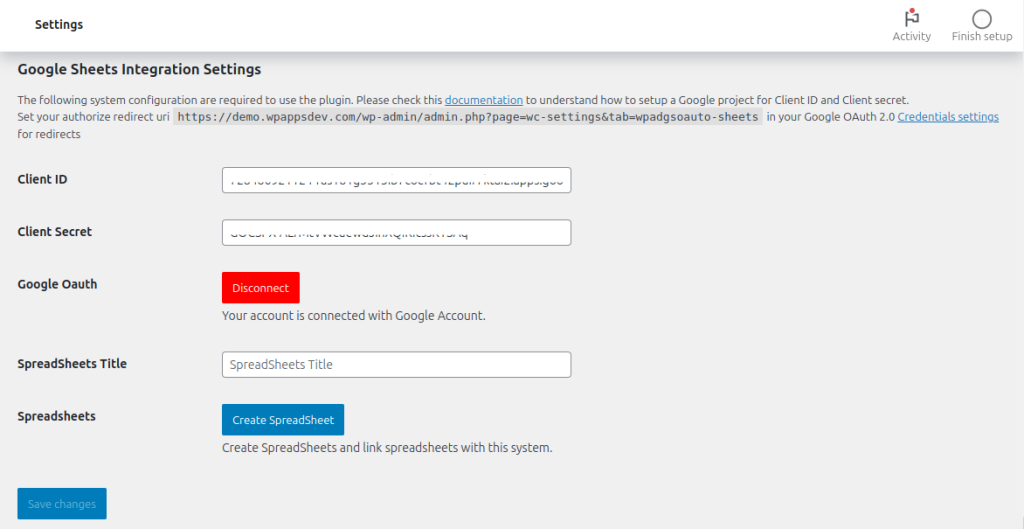
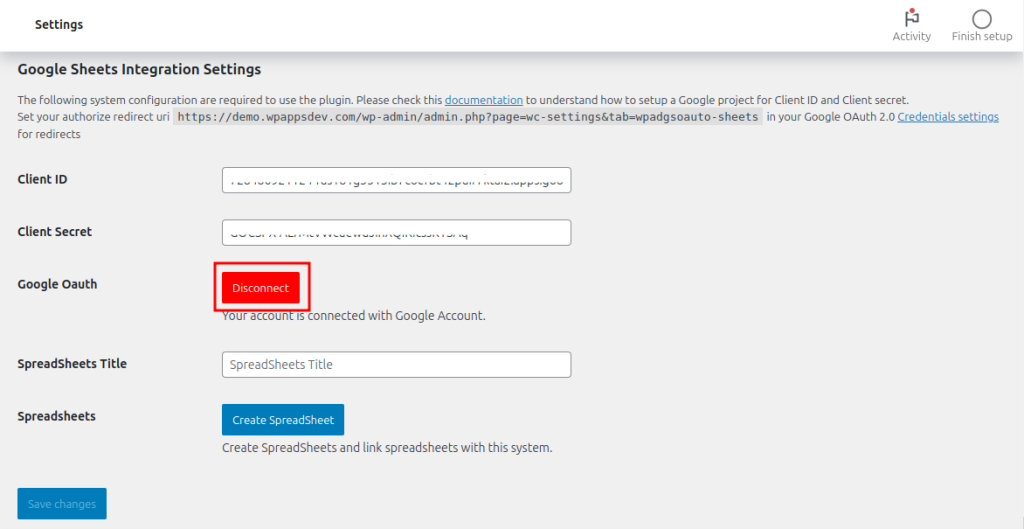
1. The plugin is configured with Client ID and Client Secret at this stage. Click Disconnect.
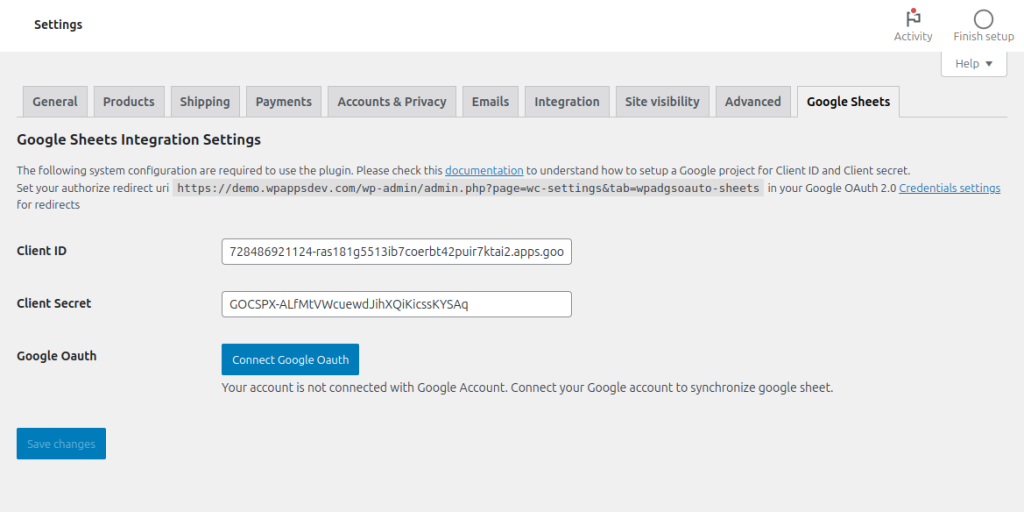
2. Click Connect Google OAuth.
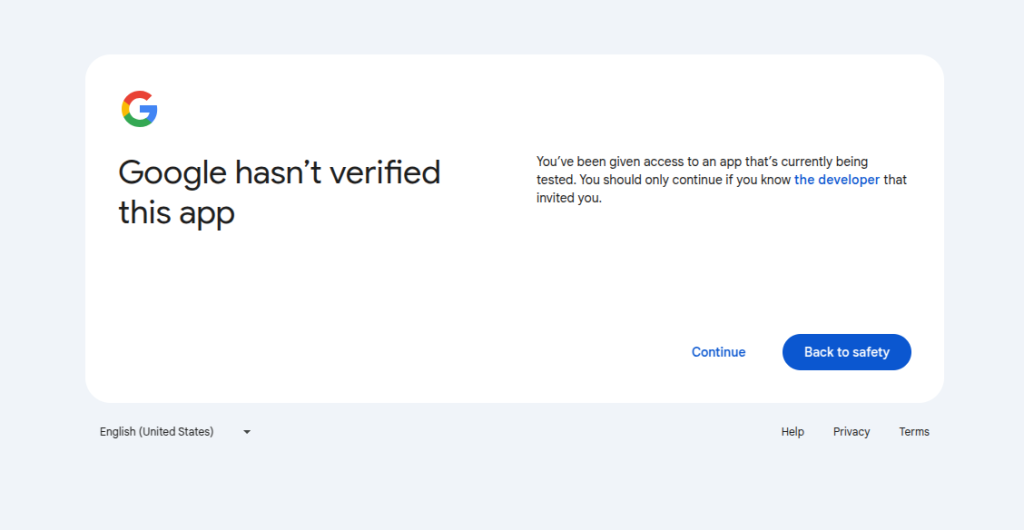
3. A Google alert should appear. Since this is your app and you are the developer, click continue.
4. After that, grant necessary permissions. After the setup is done, you’ll be back to the plugin settings page.