
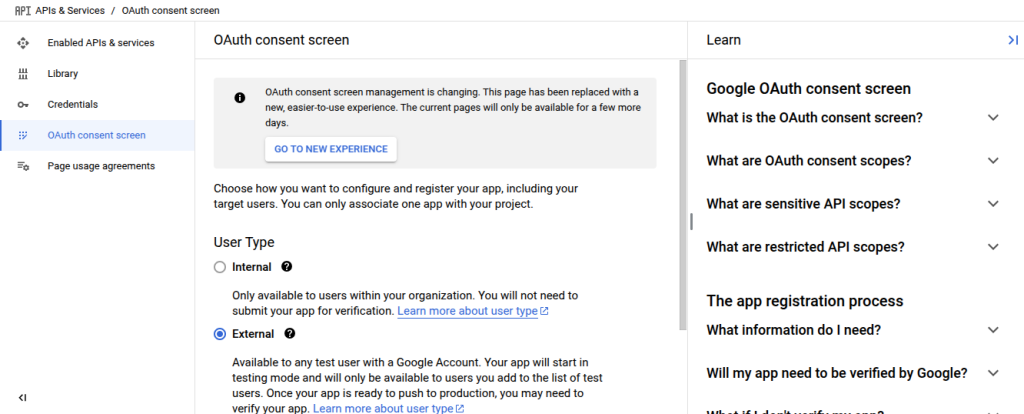
1. To configure the OAuth Consent Screen, click OAuth Consent Screen from the left panel. A page like this should appear. In this case, User Type External is selected.
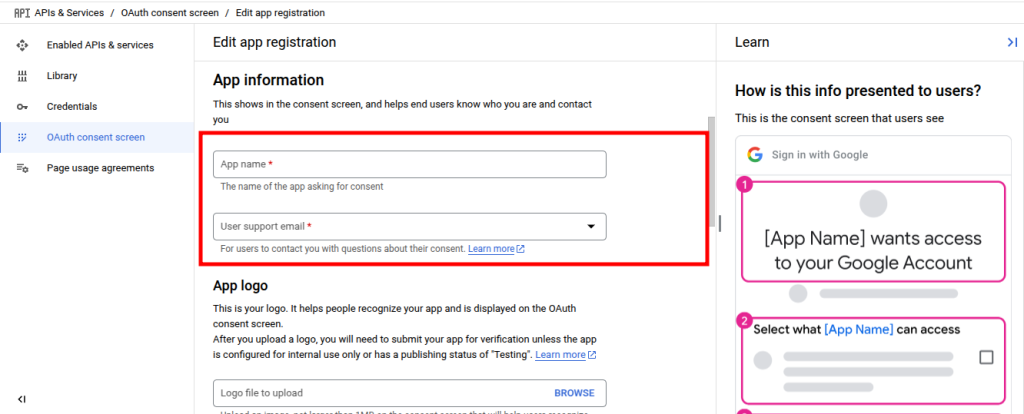
2. Provide the preferred App name and User support email.
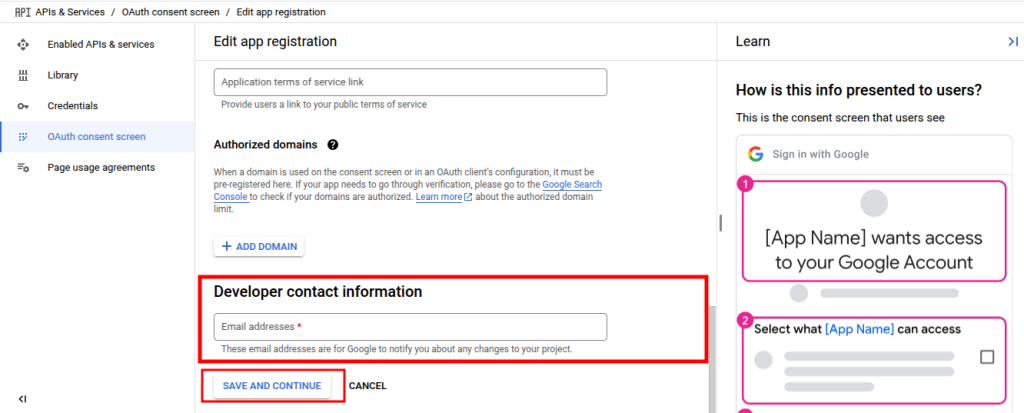
Provide Developer contact information.
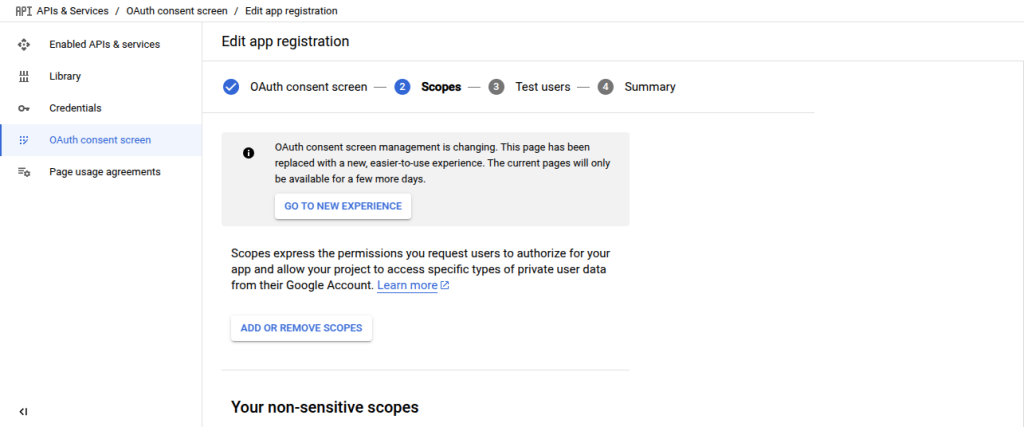
3. Customize scopes as per your project’s requirements. In this case, it is left empty.
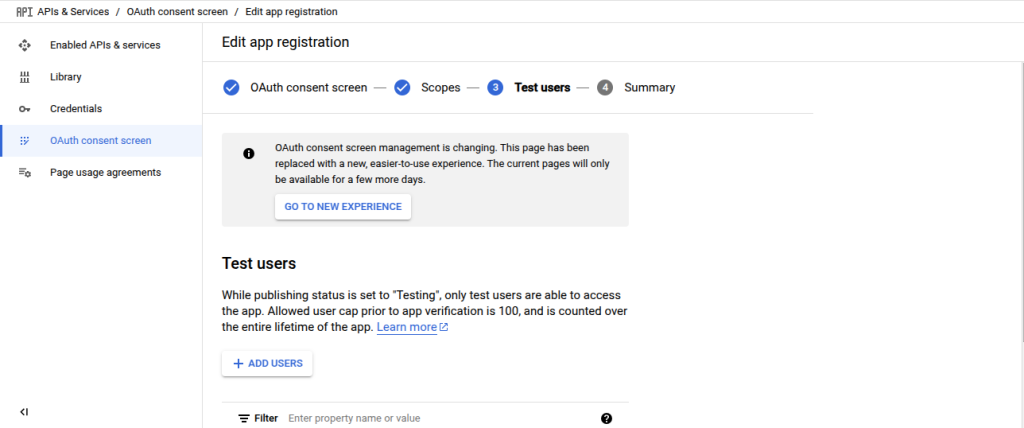
4. Provide test user’s details as per requirements. In this case, it is left empty.
5. Finally, from the summary page all information can be checked and edited. If everything is okay, press the Back To Dashboard button to complete the setup.