
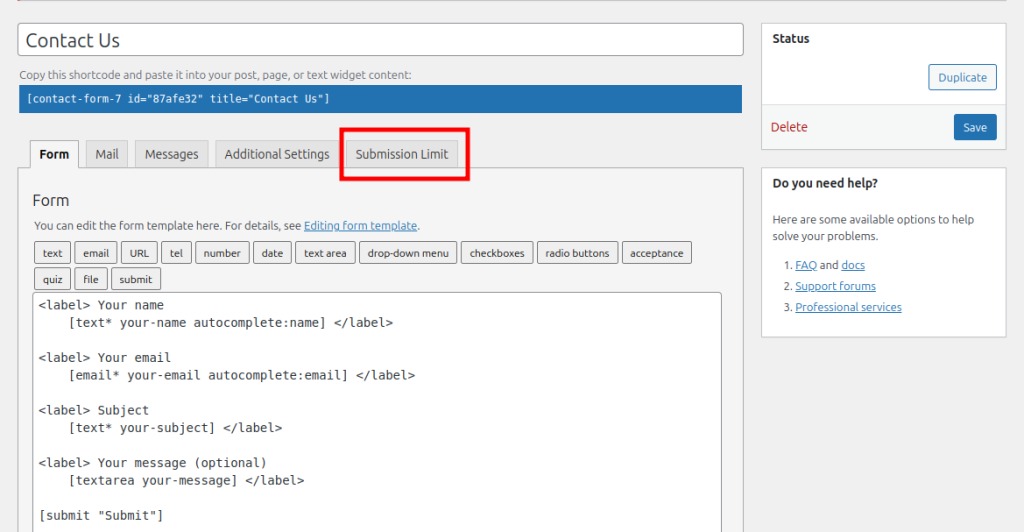
1. To add a submission limit to a form, go to the Submission Limit tab on the Contact Form 7 setting page.
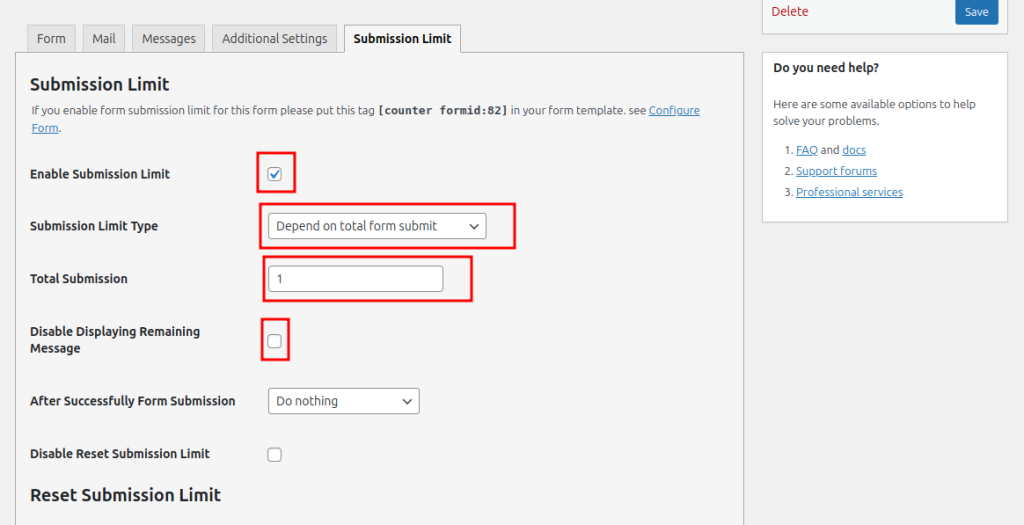
2. From the setting, Enable the submission limit. Then, from the dropdown select a submission limit type. Set the total form submission number according to your needs. If you want to hide the remaining submission number, you can disable it.
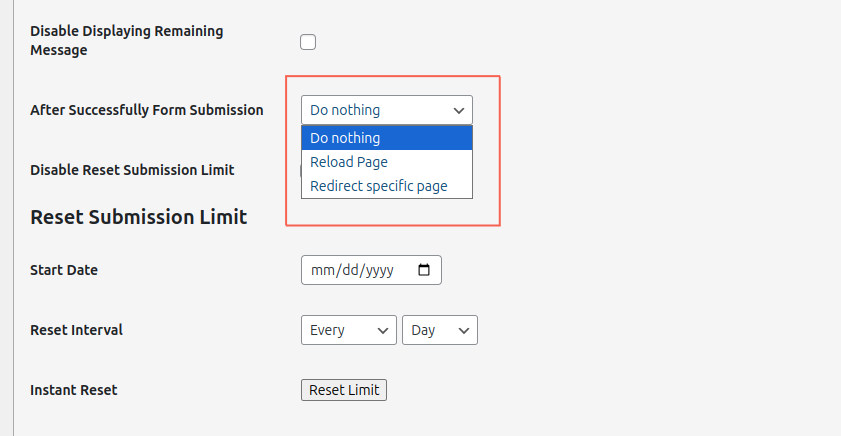
3. Select what happens After Successfully Form Submission from the dropdown on the right side.
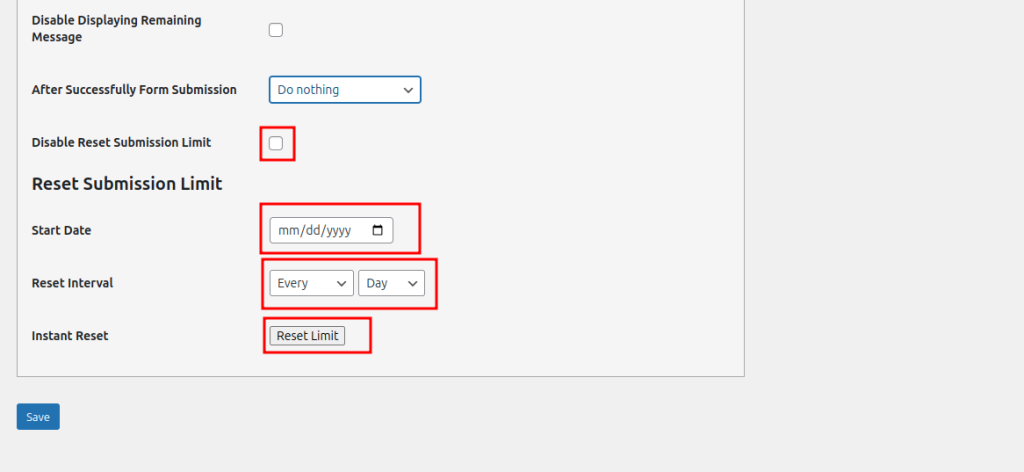
4. If the submission limit does not need to reset, it can be hidden. If a reset is required, you can select a date on which the submission limit will be reset. Set the interval to make the reset automatic, or click Instant Reset to reset the form immediately.
5. Finally Save the setting.